
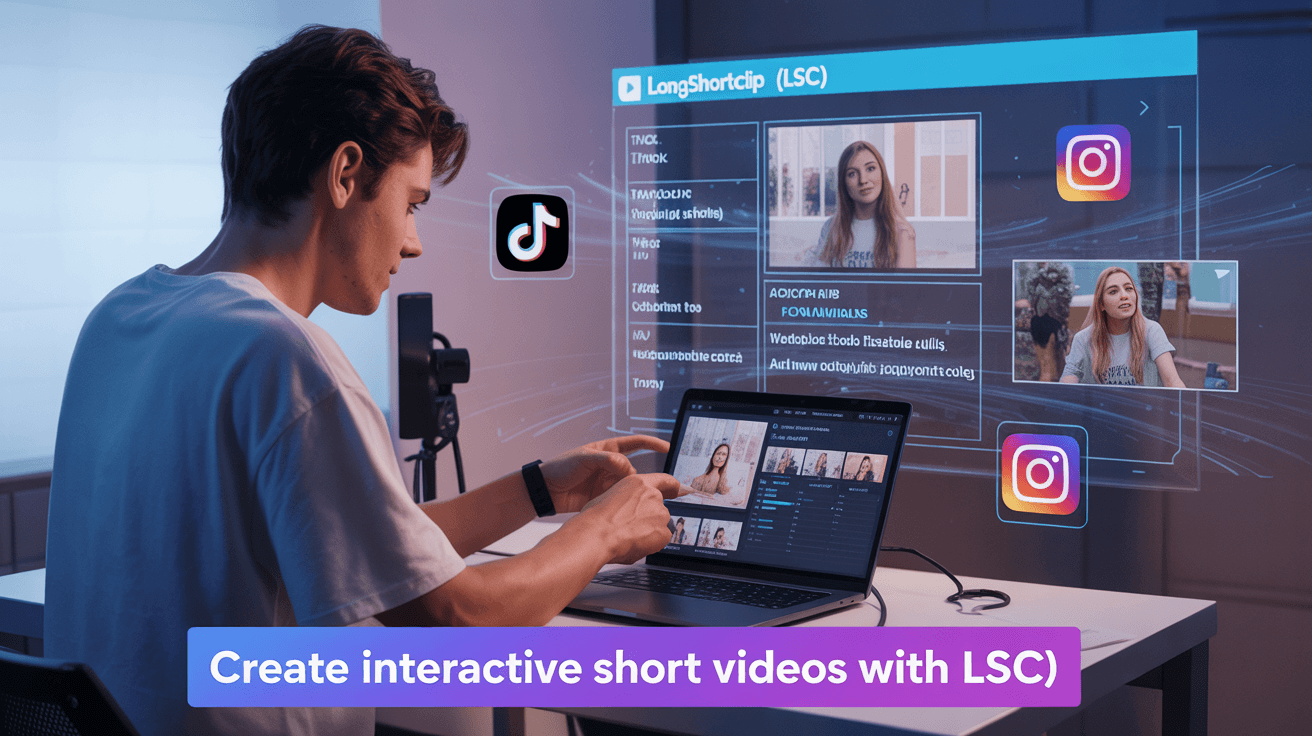
If you have ever scrolled through social media recently, you have noticed one thing: interactive short video content.
Today, short-form video has expanded into the most powerful way to grab the attention of people online. From TikTok to YouTube Shorts and Instagram Reels, short video clips are dominating every feed.
Interactive video content is carrying this trend even further.
Interactive short videos not only entertain the viewers, but they also invite them to participate, click, and respond during a video activity.
But how to create interactive short video content?
Thanks to automated editing tools like Longshort Clip, you do not need a team to create this interactive video content anymore.
Let’s explore exactly how to do it: a step-by-step process.
What Makes Interactive Short Videos So Powerful
Interactive short videos are powerful because they transform viewers from passive observers into active participants, which leverages psychological principles to boost engagement, information retention, and personalization significantly.
Short-form content is already ruling the internet nowadays, but interactive short video content is taking it to the next level. Interactive short videos are more powerful
because they are transforming the viewers from passive viewers to active participants.
This kind of interactive content leverages the psychological principles to boost engagement, information retention, and personalization, most importantly.
Interactive short videos make the viewers stop scrolling, as you are not just talking to them, but as if you are speaking with them.
For Instance:
- A quiz or poll invites participation.
- A “Comment your choice” prompt creates instant engagement.
- A clickable CTA turns passive viewers into active customers.
- This is why marketers love them because they convert attention into action.

What Are Interactive Short Videos?
Interactive short videos are short clips where the viewers can directly influence the content through actions like clicking buttons, answering questions, or choosing different paths, which can make the audience more engaged than traditional, passive videos.
These interactive short videos include engagement-driven elements, such as:
- On-screen questions or polls like Would you choose A or B?”).
- Clickable prompts or embedded Call To Actions.
- Split-screen reactions, duets, or comments.
Emotional captions, emojis, or reactions that make viewers feel part of the story.
These videos perform quite well because they change content from “watching” to “doing.”
As of the 2025 report from HubSpot, it has been discovered that interactive short videos deliver 35 to 50% higher engagement rates than static video ads or non-interactive content.


How Interactivity Works for Content Creators and Marketers
Interactive short videos and automated editing tools are a game-changing combination for engagement and performance.
Here is why:

Boost Viewer’s Retention:
Like interactive moments such as polls, quizzes, or “wait-for-the-result” clips can keep the viewers watching for a longer time. Social media platform algorithms reward such content that retains higher watch time with more reach.
Drives Engagement:
Interactive content also drives viewers’ engagement by asking for comments, shares, and friend tags.Like: By adding prompts like “Would you try this?” or “Tag someone who’d agree!”
Increases Brand Recall:
This is the 3rd benefit description, outlining its advantages and how it adds meaningful improvements without focusing on specific use cases.
Encourages Conversions:
When you interact with the audience in real time, you develop a connection. Then users take desired actions like following, visiting links, or purchasing.
Step-by-Step: Create Interactive Short Videos That Convert
Here is the step-by-step process on how to turn your ideas into scroll-stopping, interactive short videos that can help you drive action, using automated editing tools.
Step 1:
Define Your Goal & Audience
First of all, start with clarity.
Ask yourself.
What do you want viewers to do? For Example: “Like & share”, “Visit link”, “Comment & choose”, or “Buy now”?
Secondly, define your target audience.
Who are you talking to?
What they care about, how they scroll,
What things can grab their attention?
In
In this process, you will make sure that your interactive element aligns with both viewer intent and your business goal.
Step 2:
. Craft a Scroll-Stopping Hook (First 3-5 Seconds)
Since short-form video viewers have shorter attention spans, they decide fast. You need to add an opening that hooks them like: “Stop scrolling — this is for you.”
Furher, you can use:
- A surprising stat or statement.
- A question that makes them think.
- A quick visual shift or motion.
For Example: “You’re doing this wrong, try thi to hit fast and see how!”
Then prompt a response: “Choose A or B” or “Comment below what you’d pick”.
Step 3:
Build Your Core Video Using Automated Editing Tools
Here in this step, bring your idea to life. Choose your long video that you need to convert into a short interactive clip without spending hours in manual editing.
Upload your long-form video, whether it is a podcast, vlog, or raw shoot, into your favorite automated editing tool like LongShortClip.
LSC is an AI-supported video editing tool that converts long videos into short clips automatically. Further,
- It identifies the key highlights and emotional peaks
- It auto-trims the filler content or long pauses within the videos.
- It smartly adds emotional captions and motion text.
- It reframes your frame for vertical 9:16 (perfect for Reels, Shorts, or TikTok).
Once your video draft is ready, it automatically fine-tunes the transitions, adjusts the timing, and adds a personal touch.
Keep in mind that AI gets you 80% there your creativity finishes the job.
Step 4:
Add Interactive Elements That Drive Action
These interactive elements are strategic features in video content that prompt the viewers to participate rather than be passive watchers.
This is where your video turns into interactive content, from watchable to engaging.
Keep in mind that you do not just throw in stickers or polls randomly; add interactive elements strategically. This means your every interactive moment should serve a purpose.
Here is how to do it in right way:
Add polls, tap-to-reveal prompts, or comment on challenges that are naturally relevant to your story.
Place these interactions after a high-energy or interesting moment when attention is at its peak.
Use visual cues like arrows, emojis, or overlay text (Tap Now, Guess the answer!, Which one would you pick?).
Closing should be strong with a clear CTA:
“Comment your pick”,
“Follow for Part 2”, or
“Click link in bio.”
Smart Move: Use analytics from your editing or social platform to test which interaction type gets the most engagement and double down on it in future videos.
Step 5
Optimize for Silent Viewing and Platform Fit
Here’s the reality that around 85% of people scroll social media videos with sound off. This means captions are not optional but they are your video’s voice.
Most automated editing tools can instantly generate captions; take a minute to tweak them for accuracy and flow.
Also remember:
Keep it vertical (9:16) for mobile-first platforms like TikTok, Shorts, and Reels.
Stay under 30–45 seconds for better completion rates.
Design for mobile — make text, polls, and buttons large enough to tap easily.
Use bold colors and motion to guide the eye naturally.
Watch your clip with no sound before posting. If it still tells a clear story, you’ve nailed the balance.
Step 6
Publish, Track, and Refine
The secret to succeeding with short-form content is to treat every video like an experiment.
Once your interactive short video goes live, monitor three given metrics:
- Engagement: Are audience commenting, voting, or sharing?
- Retention: How long are they watching before dropping off?
- Conversion: Are they clicking your link, subscribing, or following your CTA?
Use these insights to:
- Reuse your top-performing hooks
- Repurpose successful formats with new scripts
- Adjust CTAs and posting times based on performance
Don’t stop at one post. Recycle your best-performing videos — change the caption, thumbnail, or interactive cue and re-upload for fresh reach.
Try LongShort Clip
Your All-in-One Automated Video Editing Tool
If you ever felt that editing short videos manually takes long hours, as the process includes trimming clips, syncing captions, resizing for every platform, LongShortClip was specifically designed for you.
LSC is an AI-powered automated video editing tool that turns your long-form video content, like podcasts, YouTube videos, live streams, webinars, or interviews, into multiple short videos in just minutes.
Whether you are a content creator, LSC does it all automatically, instead of doing it manually.
By using its smart AI. LSC scans your video to find high-energy moments, questions, and emotional peaks that attract attention.
Auto converts one long video into 5 to 10 viral-ready short clips that are perfect for Reels, Shorts, or TikToks.
It adds accurate and emotional captions instantly that help to increase retention time and accessibility.
LSC automatically resizes and formats your videos for Instagram Reels, YouTube Shorts, LinkedIn, and TikTok.
Try LSC as your personal video editing assistant and make your content creation process 10× faster.
What LongShort Clips Offer to you

Batch Create, Don’t Burn Out
Record 3–5 videos in one go, then let LSC auto-split and caption them. This process saves long hours and keeps your posting schedule consistent.
Keep Your Visual Language Consistent
Use the same colors, fonts, and lower-third styles in all LSC templates to build brand recognition.
Make Use of Hook + Value + CTA Formula
Every short video should have these three layers:
- Hook: Grab attention instantly (e.g., “Stop doing this in your videos!”)
- Value: Deliver a micro-lesson or quick insight
- CTA: Encourage engagement (“Comment ‘Yes’ if you’ve tried this!”)
Repurpose Everything
Use LSC’s “Auto Split” to turn one long-form video into 10+ short clips for Reels, Shorts, and TikTok. You’ll get more reach without creating from scratch.
Conclusion: Turn Your Ideas into Interactive Gold
Interactive short videos are no longer optional they’re how modern brands build trust, engagement, and sales.
And with automated editing tools like LongShortClip (LSC), you can create high-quality, audience-driven content in minutes instead of hours.
You bring the ideas.
LSC brings the automation.
Together, you create videos that not only grab attention but drive real action.
Leave a Reply
You must be logged in to post a comment.