
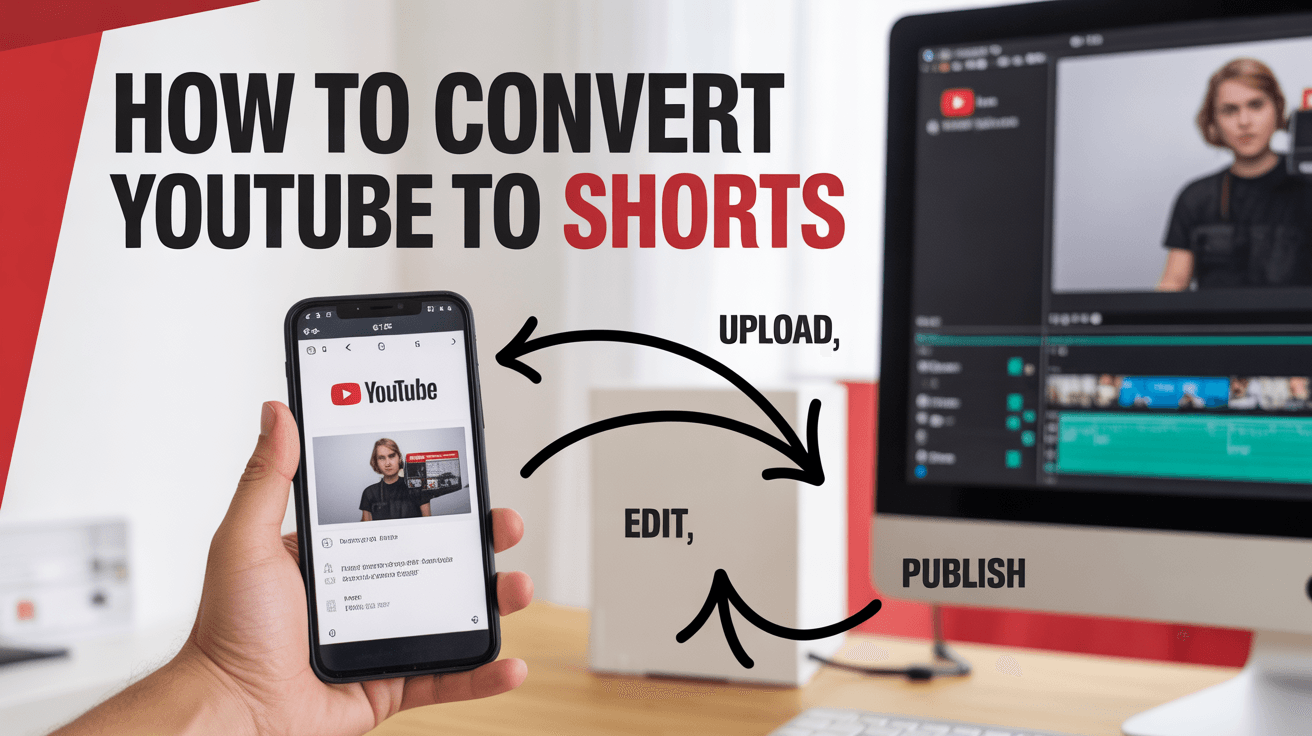
We know that long-form videos take longer hours to create. But in today’s fast-paced world, no one has time to develop lengthy videos.
Further, not everyone has the patience to watch 20 minutes of long YouTube videos.
That is why YouTube Shorts steps in.
YouTube Shorts are bite-sized, vertical clips that provide a way for creators to increase discoverability, boost engagement as well and attract the audience’s attention faster.
In this guide post, you will learn how to easily convert YouTube to Shorts using AI tools like LongShort Clip and reach a brand-new audience.
Why YouTube to Shorts Matters
Being a content creator or YouTuber, you have already put in the effort:
- Recorded
- Edited
- Uploaded long-form YouTube videos, but results?
But, you see, the engagement is dipping.
Today, viewers scroll fast, watch faster, and skip even quicker.
By converting lengthy YouTube videos into Shorts, you can give your best moments a second life and put them where new viewers hang out most. , YouTube Shorts is the fastest way to connect with millions of viewers on YouTube.
Why You Should Turn YouTube Videos into Shorts
Here is the harsh reality that attention spans are shorter than ever. Even your well-created long video on YouTube is brilliant, but most of the viewers would not watch it for more than 60 seconds.
That’s where YouTube Shorts were introduced in 2020. YouTube Shorts can:
- Boost visibility for your YouTube channel
- Drive new subscribers there
- Recycle old videos into new growth
- Keep your content working 24/7
Instead of spending long hours on recording new content, you can repurpose your existing YouTube videos into Shorts.
How the YouTube to Shorts Process Works (Step-by-Step)
Whether you are a content creator, YouTuber, or small business owner, follow the process to convert YouTube to Shorts without starting from scratch.
Here is exactly how to do it, a step-by-step process of converting long videos on YouTube to shorts.
Step 1: Pick the Right Source Video (Quality Over Quantity)
No doubt you’re every video deserves to be reused and turned into a Short.
But find out the right video that can help you get:
- Have high engagement rates such as views, likes, or watch time.
- Contain strong visual or emotional moments within 3 seconds
- Solve a problem or share a practical tip
For Example:
- A tutorial that shows quick wins, “3 SEO hacks that doubled traffic”.
- The conversations with emotional or funny moments.
- A product demo or behind-the-scenes clips.
Pro Tip:
- Go and check your YouTube Analytics and select the videos with strong audience retention time or specific moments that obtained the most comments.
Step 2: Think Like a Viewer, Not a Creator
Before you even touch your video editing timeline, pause and ask yourself a question:
Ask yourself, “If I knew nothing about myself, what would make me stop scrolling?” before you even touch your video’s editing timeline.
Everything will change when you ask that question.
Creators often choose clips based on personal perspectives.
However, Shorts thrive on emotion, relatability, and curiosity rather than conceit.
Pull the aha moment, the emotional turn, or the unexpected line instead of cutting your ” existing intro” in the video.
For Example:
In a 10-minute tutorial video about camera gear, your Short should not start with “Here’s my setup.”
Instead, it should start with:
“The reason I didn’t spend $300 on this is because most creators do.”
Pro Tip:
- Watch your videos again from a different perspective
- Keep track of each moment that causes you to react, like laugh, pause, nod, or rewind.
Step 3: Capture “Micro-Stories,” Not Random Clips
Shorts are mini-stories, instead of fragments. This means each of your shorts should follow a small narrative arc:
- Use a hook that quickly grabs the attention.
- Add value that provides something practical or sentimental.
- Include a payoff like a punchline, surprise, or obvious takeaway.
When turning your YouTube to Shorts, consider your videos a collection of untold stories.
Choose such moments that stand alone and make sense on their own, rather than picking random 30-second clips.
For Example:
- Consider a part about “worst hotel experience” as one mini-story from your travel vlog.
- From a podcast video, choose the “one quote that changed your perspective.”
Pro Tip:
- If a stranger could watch your short and understand the point without context, that means you have hit the mark.
Step 4: Craft a Hook That Feels Natural (Not Scripted)
YouTube Shorts are also competing with TikTok and Reels, and the audience can immediately detect “salesy” content.
Your first two seconds should feel like they’re human-generated, not perfect.
✅ Please state: “You won’t believe what this comment said about my video…”
❌ Avoid saying: “In today’s YouTube Shorts, I’ll be explaining…”
Hooks are the most effective and work best when they sound impulsive, emotional, or unconventional.
Pro Tip:
Use hook templates to save notes on your phone, such as:
“I thought this was a bad idea until…”
“No one talks about this mistake…”
“This cost me 3 hours — learn from me.”
Then, when you convert YouTube to Shorts, use those hooks to introduce your clips naturally.
Step 5: Design for the Scroll, Not the Screen
This is a change in perspective: you are not creating shorts for viewers.
You are not making Shorts for “viewers.” You’re making them for scrollers.
That means:
- Every 1 to 2 seconds, something has to move: a cut, a zoom, or a line change.
- Faces, reactions, or gestures can beat static frames every time.
- Natural sound cues like a sigh, laugh, or gasp maintain focus.
You don’t need to add fancy effects; try adding motion rhythm.
Pro Tip:
- Turn off the sound while watching your short. You have done it correctly if there is still movement in the text, energy, and gestures.
Step 6: Reframe Value, Not Just Aspect Ratio
Everyone is talking about changing 16:9 to 9:16. But the real reframing is about value, not video.
Consider the following question:
“What’s the fastest way to deliver the same idea in 30 seconds?”
This is the art of compression. It is not about cutting footage. It is about rewriting the delivery.
For Example:
- Your long video explains “5 content strategies.”
- Your short could concentrate on a single tactic and convey it urgently:
“This is the one rule I always adhere to if your content isn’t converting.”
Pro Tip:
- Each short should only contain one main idea. It loses its snackability if you are attempting to teach too much.
Step 7: Humanize with Reactions and Imperfections
Detachment is not synonymous with automation. After creating Shorts, give each video five minutes to:
- Adjust the first 2 seconds for a stronger hook.
- Add a custom caption line that feels you.
These minor adjustments are what make automation invisible.
Pro Tip:
Repetition, not emotion, should be eliminated by automation.
Always strike a balance between authenticity and automation.
Step 8: End with Curiosity, Not a Goodbye
End your short with a cliffhanger rather than saying “Thanks for watching.”
Consider ending videos that leave the audience wanting more:
- “This is how that one change doubled my subscribers.”
- “And this comment totally changed my mind.”
- “But wait until you see what happened next; that is not even the craziest part.”
Your conclusion should work as a bridge to your next short or main video instead of a closure.
Pro Tip:
- Plan your shorts in a mini-series with three to five short clips each.
- This will encourage the audience to binge-watch and build momentum.
Step 9: Analyze Emotion, Not Just Metrics
However, metrics do not explain why, as creators and marketers often obsess over numbers.
So, after posting Short videos, watch your own Shorts again and again.
Take notice of any areas where the energy drops or your delivery feels flat.
Ask yourself:
- “Would I rewatch this?”
- “Did it make me feel something?”
- “Would I share this clip with a friend?”
You go from being a clip maker to a storyteller through that emotional audit.
Pro Tip:
- Pay more attention to comments than views.
- Comments show emotional engagement and the real signal of success.
Turn Your Long Videos into Viral YouTube Shorts — Instantly with LSC
If you have followed the steps given above in the guide, you already know how to turn YouTube into Shorts that can be used to boost reach and engagement.
But remaking long videos manually, including clipping, reframing, resizing, and captioning, can take long hours to do alone. That is exactly how LSC changes the game for you.
LSC is an AI clipping tool creator that turns YouTube to Shorts automatically in just a few clicks.
Instead of editing frame by frame, LSC finds the most eye-catching moments from your videos, reframes them perfectly for vertical viewing, adds captions, as well as posts them on relevant platforms within minutes. It’s like having your own editing assistant working 24/7 to make your long-form videos ready for the Shorts shelf.
Key Features of LSC for YouTube Shorts
Here’s what makes LSC the ultimate shortcut for turning your YouTube videos into scroll-stopping Shorts.
Auto Clip Detection
No need to scrub through hours of footage. LSC’s AI analyzes your full YouTube video and finds the best highlight moments designed to perform well on the YouTube Shorts feed.
Smart Auto Reframe
Your wide or horizontal footage automatically converts into the 9:16 vertical format without cutting off faces or important visuals — optimized perfectly for Shorts.
Auto Captions & Subtitles
Engage more viewers with auto-generated, customizable captions. Since most Shorts are watched without sound, this feature ensures your content stays attention-grabbing and clear.
Ready-to-Post Exports
Export your final clips instantly — formatted, framed, and optimized for YouTube Shorts, Instagram Reels, or TikTok.
Highlight Detection by AI
LSC identifies emotional peaks, high-energy moments, and audience hooks to ensure every short is designed for higher retention and virality.
Free Credits to Start
Sign up and get 60 free credits instantly to transform multiple YouTube videos into attention-grabbing Shorts instantly.
Final Thoughts
Shorts are no longer optional they’re the fastest way to expand your YouTube presence, reach new audiences, and give your old content a second life. But consistency is what separates viral creators from invisible ones.
That’s why LSC isn’t just a convenience tool it’s your creative growth partner. Automating the heavy lifting helps you focus on what matters most: creating content that connects.
So if you’re ready to scale your video content and get discovered faster, start turning your YouTube to Shorts with LSC today and watch your long videos become the next viral trend.
Leave a Reply
You must be logged in to post a comment.